
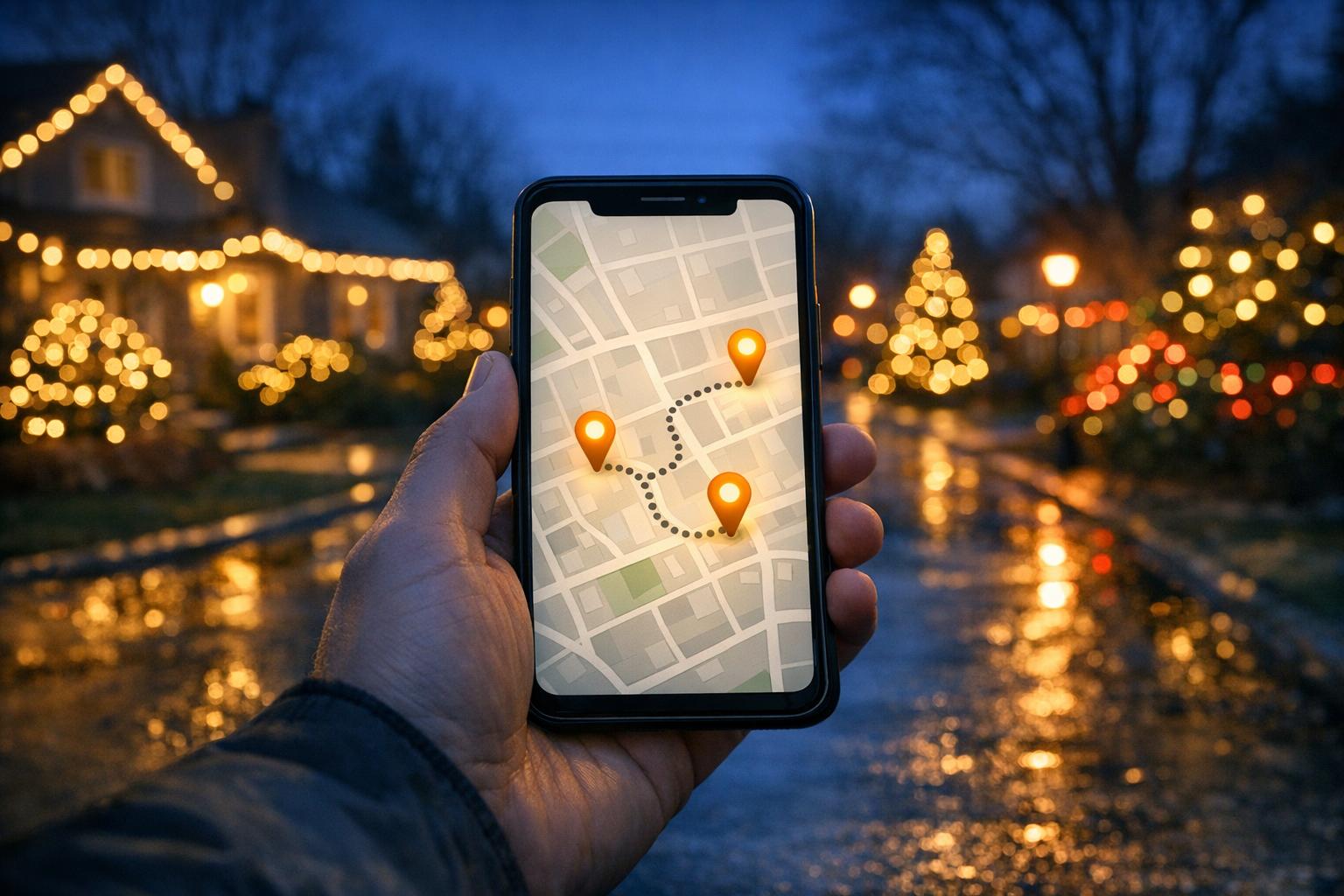
Holiday light shows bring festive cheer to neighborhoods and public spaces every winter. Whether you’re exploring synchronized displays, botanical gardens, or local streets, there are many ways to locate the best lights near you. Here’s how you can plan your visit:
Plan early, check dates, and enjoy the season’s glowing magic with family and friends.
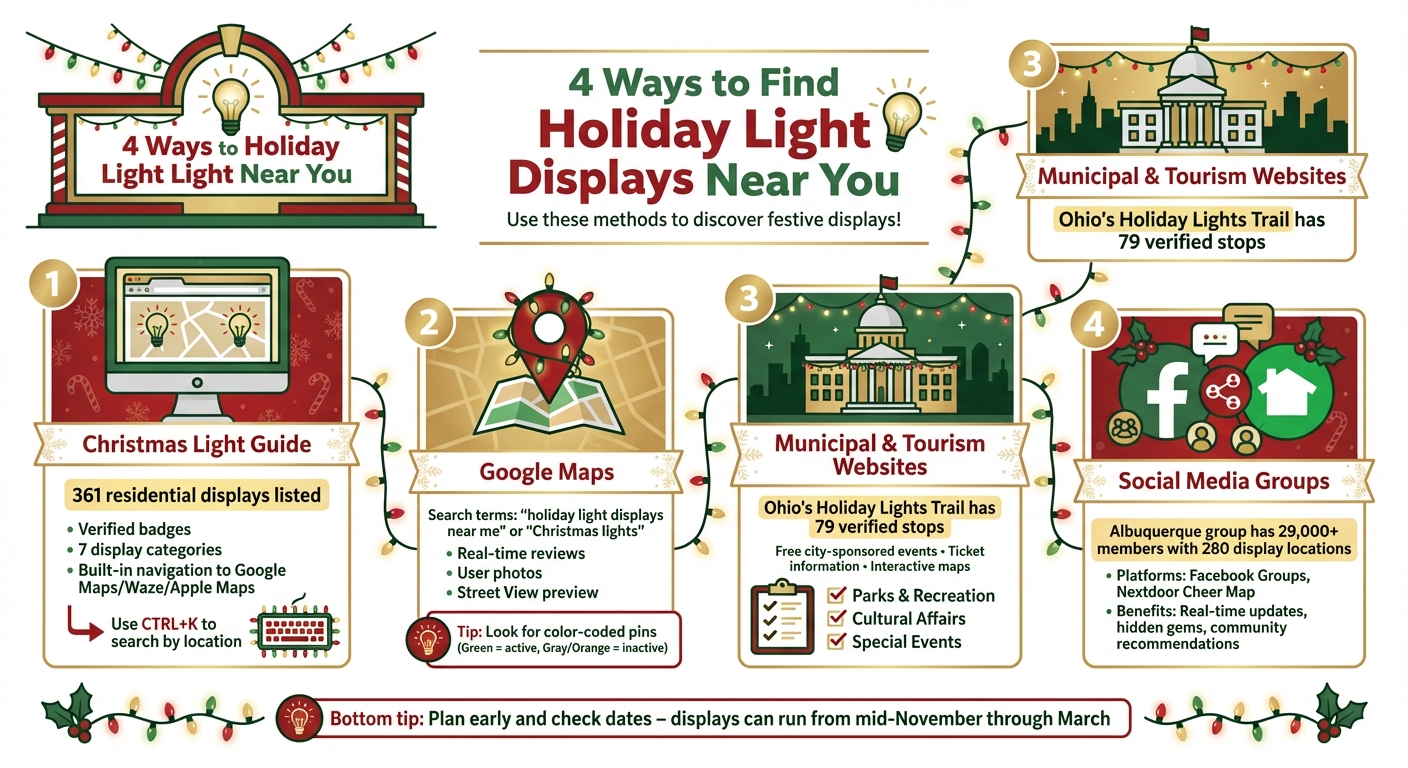
4 Ways to Find Holiday Light Displays Near You
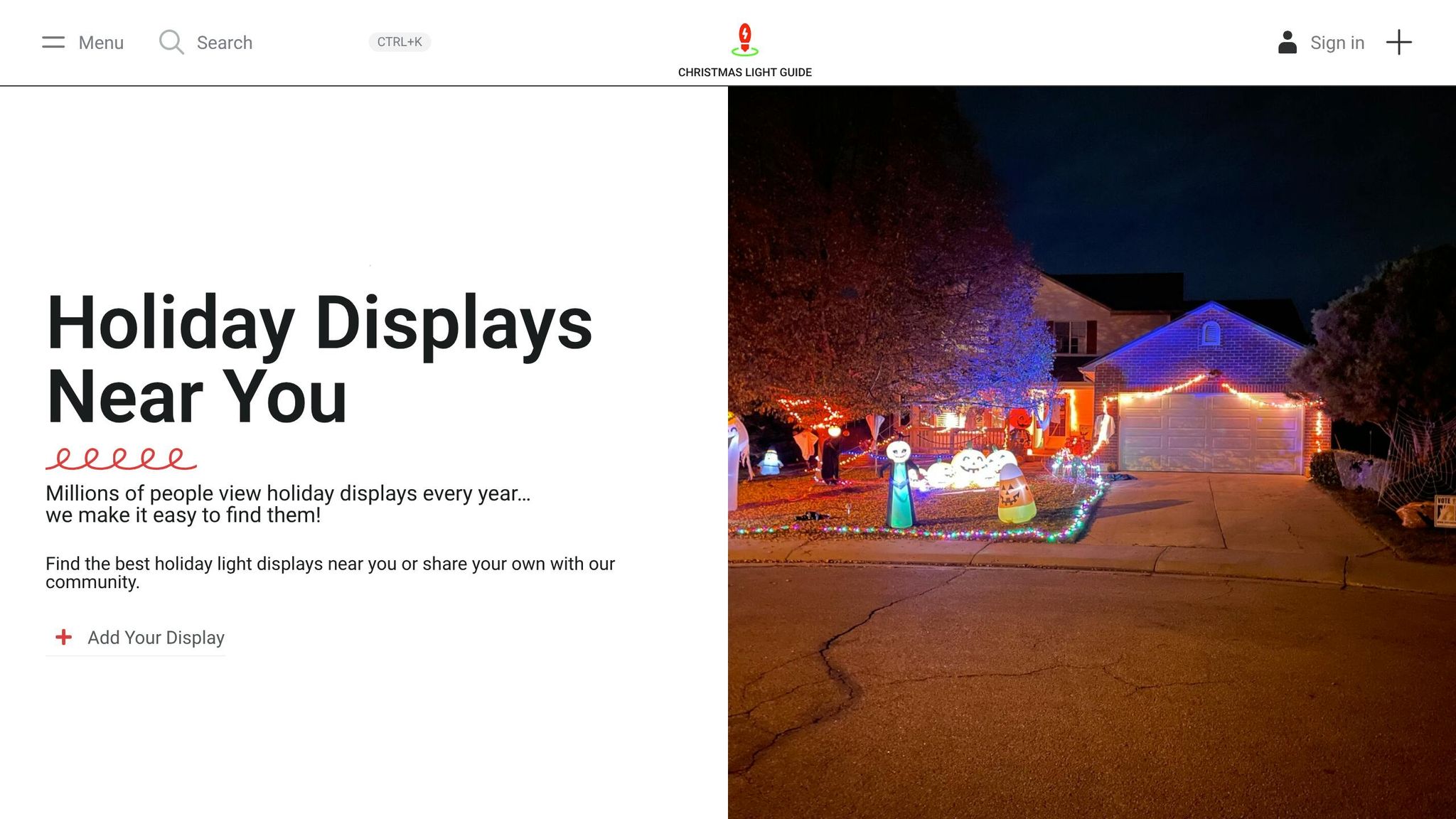
Since its launch in 2018, Christmas Light Guide has been the go-to resource for anyone looking to discover holiday light displays across the United States. From cozy neighborhood setups to extravagant professional shows at zoos and public parks, this platform makes finding festive displays a breeze.
"Find the best holiday light displays near you or share your own with our community." – Christmas Light Guide
Currently, the site lists 361 residential displays, 11 non-profit displays, and 9 business displays, with an ambitious goal of featuring 1 million homes in a single holiday season. You can use the CTRL+K shortcut to search by location or name, or explore curated sections like Must Visit Displays and Newly Added Displays to discover popular options near you.
Christmas Light Guide categorizes displays into seven types: Residential, Zoo, Business, Non-Profit, Public Park or Space, Church, and Farm or Agricultural Property. Look for the "Verified" badge and seasonal tags (e.g., "2025" or "2026") to ensure a display is active. For example, Denver Zoo’s Zoo Lights and Lincoln Square BID’s Magical Lights are both marked as verified.
Each listing is equipped with links to Google Maps, Waze, and Apple Maps, allowing you to get turn-by-turn directions directly from your phone. For instance, the Tiffany Ct Christmas display at 157 Tiffany Court in Pueblo, Colorado, includes navigation options for all three platforms. To streamline your search, switch to map view and use the "Search as I move the map" feature.
Got a festive setup of your own or know of a great local display that isn’t listed yet? Click the "Add Your Display" button to share it with the community. This user-driven feature helps uncover hidden gems while supporting the platform’s mission to showcase holiday lights across the country. Up next, find out how to use Google Maps to locate nearby light shows with ease.
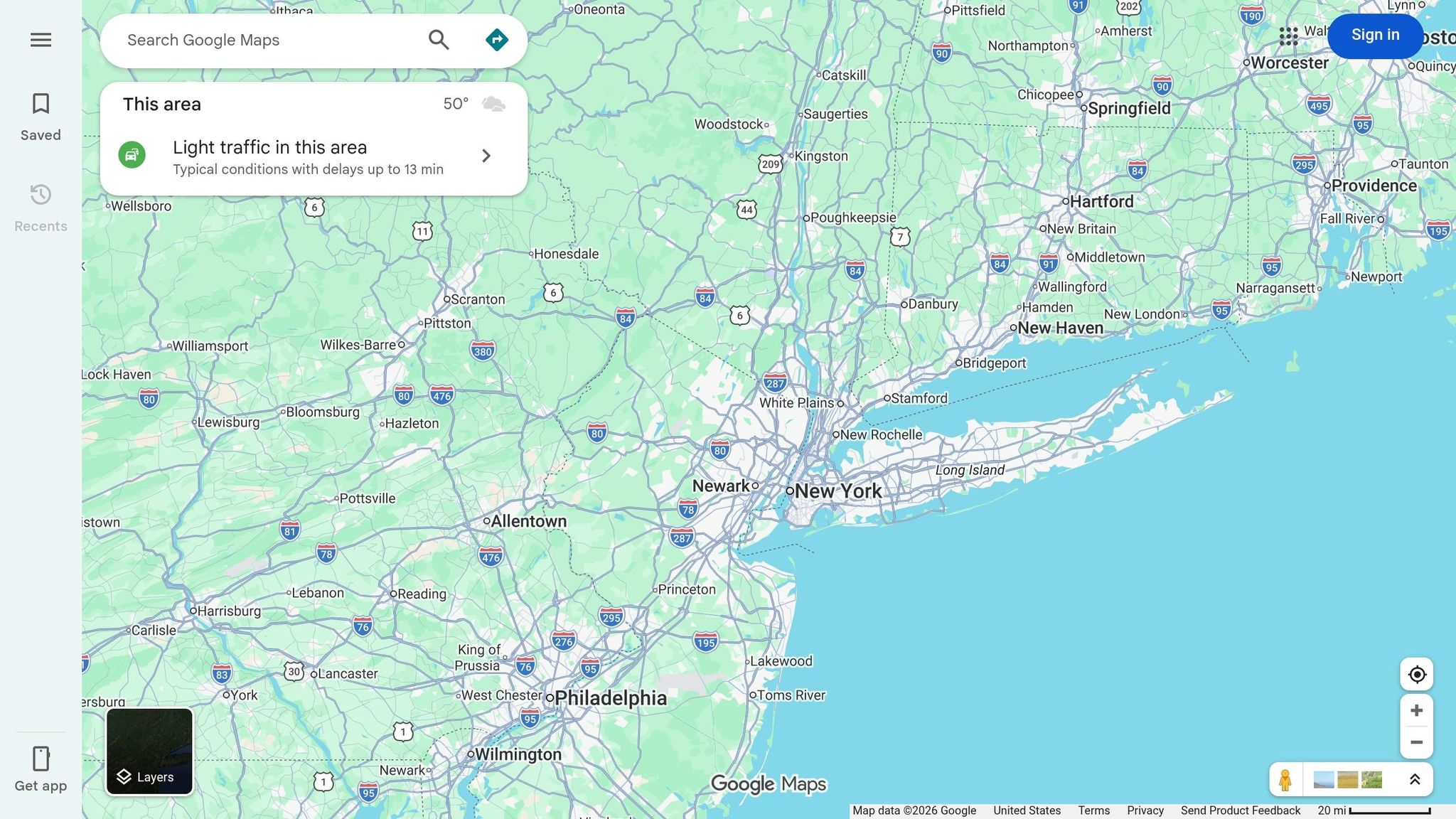
Pair your search on Christmas Light Guide with Google Maps to discover nearby displays, complete with real-time reviews and photos. Google Maps’ search tools make it easy to find both professional productions and charming neighborhood setups.
Start by opening Google Maps and using search terms like "holiday light displays," "Christmas lights," or "Christmas light shows near me". For a more specific search, try combining "Google My Maps" with your city name, such as "Monroe County Holiday Lights." These community-curated maps often list multiple residential displays.
For example, in November 2025, the Monroe County, IN Holiday Displays Facebook group, managed by Bonnie Roads, shared a custom Google My Maps titled "Monroe County Holiday Lights 2025." This map included physical addresses, descriptions of the displays, and links with more details about each location. Use the search icon to find displays along your planned route and the "Camera" icon to locate nearby attractions.
Once you’ve identified some displays, take a moment to check reviews and photos to confirm they’re active and worth visiting.
User-uploaded photos are a great way to verify the quality of a display. Look for recent pictures – preferably from the last few weeks – to ensure the lights are up and running for the 2025–2026 season. Reviews can also provide helpful details, like parking options, traffic flow, and the best times to visit.
Custom Google Maps often use color-coded pins to indicate the status of displays: Green typically means the display is active, while Gray or Orange might suggest it’s inactive or unconfirmed. Icons like a music note can signify a display synchronized to a radio station, and a car icon might indicate a drive-through-only setup. For an even better preview, enable the Street View layer (blue dotted paths) to see user-contributed images of the area before heading out.
Municipal calendars and tourism websites are fantastic resources for planning your holiday light-viewing adventures. These platforms often provide detailed information about dates, locations, and ticket options for holiday light displays. They especially focus on larger public events and city-sponsored festivities, many of which are free to attend.
To get started, head to your city’s official website (usually ending in .gov) and explore sections like "Parks and Recreation," "Cultural Affairs," or "Special Events". Cities such as New York and Boston often feature dedicated holiday sections highlighting events like tree lightings, park displays, and seasonal activities. For instance, the NYC Parks Department has a "Holiday Lightings" section that invites visitors to:
"Join our partners and friends as they switch on the holiday lights in celebration of the season. Enjoy caroling, treats, lightings, and Santa visits."
Tourism websites like Visit Denver and Visit Philadelphia also offer curated "Holiday Guides." These guides provide a mix of free public events and private, ticketed attractions across their respective regions.
For an even broader search, state tourism sites are worth exploring. Ohio.org, for example, features a "Holiday Lights Trail" with 79 verified stops spread across five regions (Northeast, Southeast, Central, Northwest, and Southwest). They even provide a downloadable map to help you navigate the trail. Similarly, Denver.org’s "Mile High Holidays" section highlights events ranging from the free 110-foot-tall Mile High Tree to ticketed favorites like the Denver Zoo’s "Zoo Lights", which boasts over one million lights across 80 acres and has been a cherished tradition for more than 30 years.
Make sure to check these official pages for essential details like event times and admission costs to make your visit as smooth as possible.
Tourism and municipal websites are your go-to sources for practical details like hours, admission fees, and directions. Many sites use clear headers like "WHEN", "WHERE", and "COST" to make it easy to scan through multiple events quickly. For example, you might find details about a two-mile "Walkway of Lights" that charges a $5 vehicle fee and offers a season pass option.
These sites often include logistical information such as street closures, security checkpoints, and public transportation tips. For major city events, you can find specifics on gate opening times, prohibited items, and parking options. Interactive maps are also common, helping you categorize events by type – whether they’re free, ticketed, or part of a guided tour. Some displays even feature music-synced shows that run at set intervals, like every 30 minutes, so it’s worth checking the official page for timing details.
As Visit Denver reminds attendees:
"We strive to post the most current and accurate event information, but changes and cancellations do occur, so please check the official event website to confirm all details before attending."
Social media platforms like Facebook Groups and Nextdoor can be treasure troves for finding local holiday light displays that might not appear on official calendars. These online spaces allow neighbors to share photos, updates, and details about festive setups in real time – including those extravagant displays that bring extra sparkle to the season.
Start your search on Facebook with keywords like "[City Name] Christmas Lights Locator," "[City Name] Holiday Lights Tour," or "[Region] Christmas Lights" to discover groups in your area. These groups often attract large followings. For example, the "Albuquerque Area Holiday Lights Tour" Facebook group, managed by Jared Trujillo, Melissa Rex, and Chantel LeAnn Trujillo, has grown to over 29,000 members. It even features a map with 280 display locations, including routes like the "NE to SE Tour Route" starting at 8508 Waterford Place NE. Another example is the "Columbia Missouri Christmas Lights Locator", founded by Dan Berlemann, which has nearly 12,000 members. Its community-created Google Map has racked up an impressive 630,000 views in a single holiday season.
For a broader reach, the Pacific NW Christmas Lights organization offers a detailed map covering parts of Washington, Oregon, Idaho, and even parts of Canada. This map is regularly updated and pinned to their page for easy access.
On Nextdoor, you can use the "Cheer Map" feature to spot nearby decorated homes. To find it, open the app, tap "More" at the bottom right, and select "Cheer Map" under the Neighborhood section. Homes participating in the festivities are marked with colorful light bulb icons, making it easy to plan your visit. Nextdoor is active in over 270,000 neighborhoods, covering about one in four U.S. households, and 90% of its users plan to decorate for the holidays. This platform’s interactive tools and community feedback provide a great way to discover displays that might not appear on traditional event calendars.
These groups and tools don’t just help you find displays – they also provide valuable, real-time updates to enhance your holiday light tour.
Members of these communities often share updates about newly added displays, weather-related issues, or temporary closures. This kind of real-time information can make all the difference when planning your route. As Dan Berlemann, founder of the Columbia Missouri Christmas Lights Locator, explains:
"I’d like to think that before the Locator, you might not have even known (a certain display) existed unless you lived on that side of town. Now we’ve got people from the north side coming over to the south side and vice versa."
Group administrators work hard to keep maps accurate, adding new locations and removing ones that are no longer active. Journalist Scott Albright highlights this effort, noting that administrators "attempt to update the map with new locations while also removing locations where holiday lights are no longer displayed from previous years".
Before heading out, check for recent posts about special events, like Santa meet-and-greets, or any last-minute changes. This community-driven approach ensures you’ll always have up-to-date information on the best displays to visit.
Finding local holiday light displays doesn’t have to be a challenge. Start with resources like Christmas Light Guide, which offers verified listings and easy navigation tools. Then, turn to Google Maps for a visual search, complete with reviews and photos. Local tourism websites are another great option for official event details and ticketing info.
Want to uncover some hidden gems? Join local Facebook groups to stay updated on residential displays that may not be listed elsewhere. These groups often share real-time updates, including special events and any last-minute changes.
Whether you’re strolling through a festive neighborhood or visiting decorated botanical gardens and zoos, a little planning goes a long way. Check dates and schedules early – some displays start as early as mid-November and can run through March, depending on the area.
With these tools, you’re not just a spectator – you’re part of the magic. And if you feel inspired, consider adding your own display to the Christmas Light Guide to spread the joy even further.
Make this holiday season unforgettable by creating cherished memories with loved ones, supporting local events, and connecting with your community.
To find out if a light show is still happening, visit the event’s official website or get in touch with the organizers directly. Many events, such as holiday displays, regularly update their schedules on city websites or social media platforms. Another reliable option is contacting the local Parks and Recreation Department for the latest details.
The ideal time to visit holiday light shows is on weekdays and earlier in the evening. Weekends and peak hours, especially after 7 PM, tend to draw larger crowds and heavier traffic. To enjoy a calmer experience, aim to arrive right when the lights are switched on or choose non-peak days for your visit.
Planning a night out to enjoy multiple holiday light displays? Start by checking out event directories, local tourism websites, or community social media groups to find nearby displays. Once you’ve got your list, plug the locations into a tool like Google Maps. Use its route optimization feature to arrange your stops in the most efficient order. Don’t forget to check each display’s opening hours to make sure your evening flows smoothly and you don’t miss any of the magic!